Not checkedListed 24 September 2026
YotoPixels
by YotoPixels (opens in a new tab)
Turns any image into a 16×16 pixel-art icon for Yoto Make Your Own cards: choose, crop and pixelate, then download the PNG.
Nobody has tested this app yet
It's listed from the maker's public pages. Check the maker's page and what it asks for before you install it.
- Works with
- Yoto Player (3rd gen), Yoto Mini, Earlier players (from the maker's page)
- Needs
- A web browser; an optional account to save or share icons (from the maker's page)
- Sends data to
- Nothing for conversion (images are processed in your browser); email address and display name if you create an account, and any icons you share publicly (from the maker's page)
- AI use
- AINot declared
- Yoto verified
- Not stated
- Price
- Free
- Category
- Card tools
- Updated
- 24 September 2026
What it does
Turn any image into pixel art for your Yoto player. Upload a PNG, JPG or WebP up to 10 MB, crop and pixelate it, and download a 16×16 PNG ready to use as a Make Your Own card icon.
Source images are processed locally in your browser and are not uploaded or stored. An optional account (email or Google sign-in) lets you keep icons under My Icons; only icons you choose to share publicly are uploaded.
How it uses AI
The maker hasn't told us whether this app uses AI. Treat it as unknown.
How to install
- Get it from the maker
Follow "Go to maker's page" (Web app) and follow the maker's instructions.
Not checked yet
These come from the maker's public pages. A maintainer hasn't tested them.
- Works on Yoto Player (3rd gen), Yoto Mini, Earlier players
- Sends data to: Nothing for conversion (images are processed in your browser); email address and display name if you create an account, and any icons you share publicly
- AI use not declared
Is this your app? Claim this listing
Report a problem with this listing
More like this

AudioBinder
Not checkedby Daniel Baughman
Turns your audio files into chaptered M4B audiobooks with metadata and cover art, and can publish the book straight to a Yoto MYO playlist.
Calendee for Yoto
Not checkedby Jacquelyn Keller
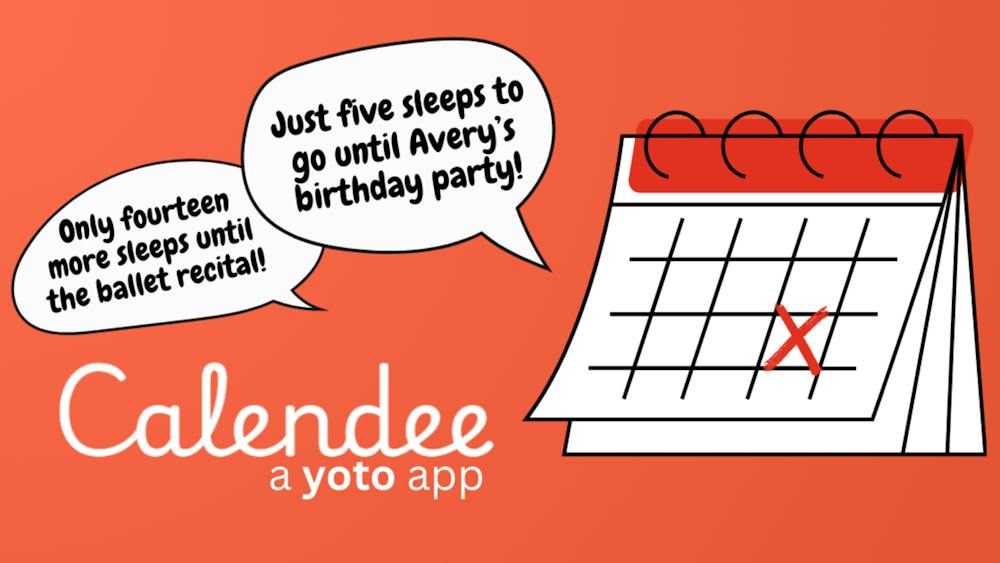
Turns important dates into countdowns kids can hear on their Yoto player, counting down the sleeps until birthdays, holidays and more.